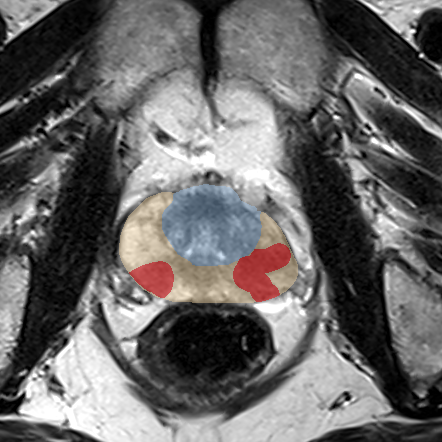
Spin it.
Drag to rotate a real gland in any direction. The shape, not a flat slice.


Spin a real case, fade the zones, find the lesion. On your phone, in seconds.
How it works
Drag to rotate a real gland in any direction. The shape, not a flat slice.
Peel back the shell to see how the peripheral and transition zones nest inside.
Isolate the area of interest and read its side, level and zone at a glance.
The colour key
The same key on every model, so you always know what you are looking at.
Why you can trust it
One hundred real cases. Open any one in 3D.
Explore the models